Products
Collaboration, Unlocked: Software and Vendor Sharing Directly in BRM

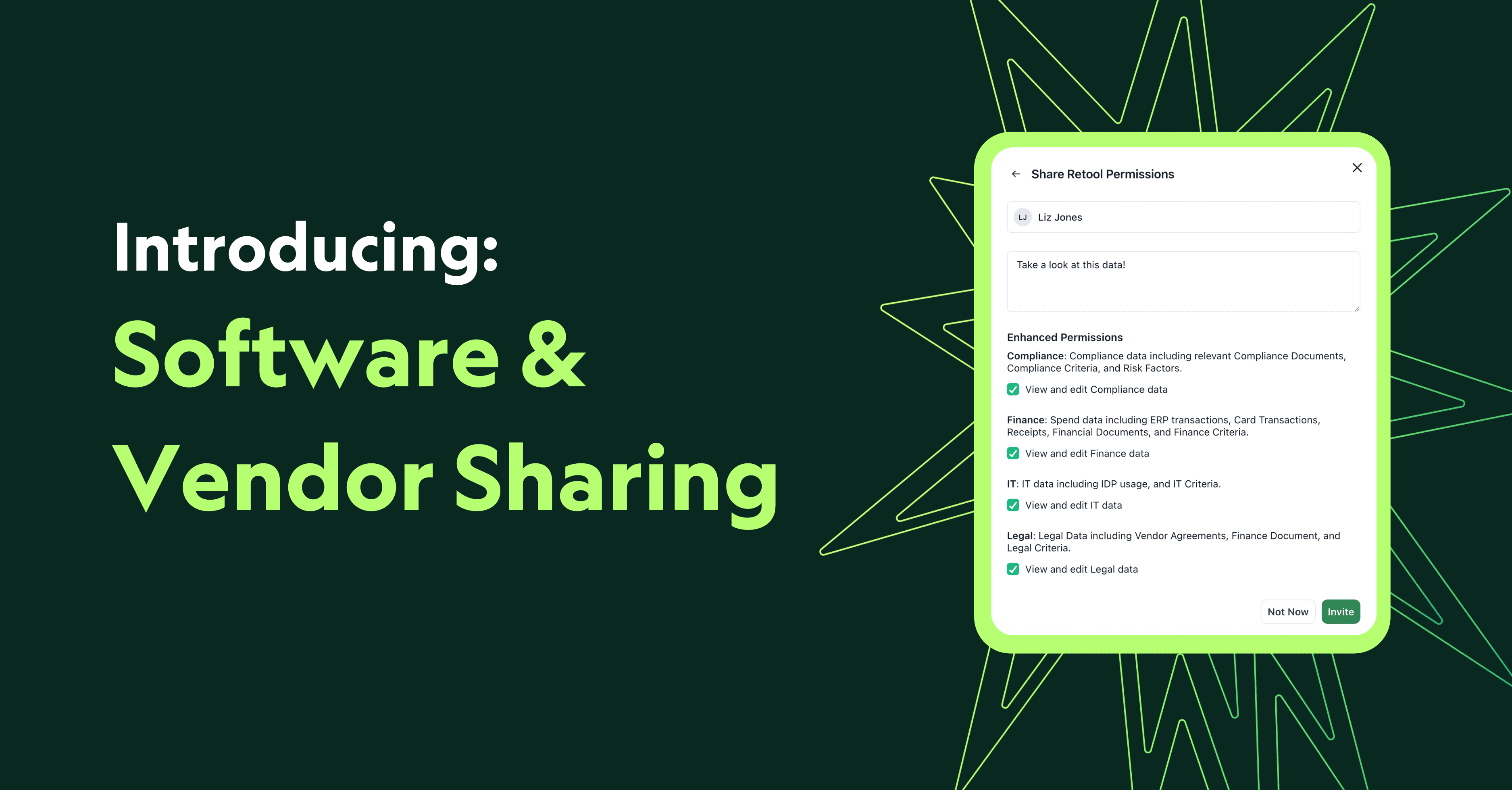
Buyers deserve tools built for collaboration, not workarounds. Yet, until now, our permissions model has required many of our customers to export vendor documents out of BRM to bring teammates into the conversation. That stops today.
The Solution
We’re excited to announce our new feature, Software and Vendor Sharing, which allows customers to collaborate seamlessly with their colleagues.
Now, software and vendor owners within BRM can:
- Share vendor and software pages with colleagues directly in BRM
- Choose which permissions (Finance, Legal, Compliance, IT, etc.) to grant
- Add notes to shares (just like Google Docs)
- Revoke or adjust permissions at any time
This model mirrors the flexibility you already know from request sharing in BRM and Slack, now applied to your vendor ecosystem.

Why It Matters:
- For teams: No more duplicate files, endless downloads, or lost visibility
- For compliance: Maintain control and auditability without wasting time
- For leaders: Keep collaboration inside BRM, where it’s secure and traceable
A Customer-Driven Release
We built this feature in record time in response to direct customer feedback. It’s proof that at BRM, we hear you, and we act on it.
Get Started Today
This feature is live. Head to any software or vendor page, click “Share,” and invite your colleagues to collaborate on the tools and vendors they need to see.
BRM exists to give buyers power and clarity. With collaborative permissions, we’re making that vision real—together.
Not a customer? Start with BRM for free. Connect your inbox, and we’ll give you a free vendor scan.
More articles
Keep reading on procurement and strategy

Products
Slack is now in BRM
Quick questions, renewal debates, the thread everyone jumps into when something breaks: the real vendor relationship lives in Slack. Now it lives in BRM too, organized into exchanges beside the contracts, spend, email, and meetings already on the Relationship.
Best Practices
How to Detect Unauthorized AI Tools at Work
A step-by-step guide to finding the AI tools your teams use without approval, using network monitoring, security software and the financial record, then keeping them governed.