Best Practices
How to Detect Redundant Vendors Before Renewal Season

You don’t need a bigger budget — you need fewer surprises.
Introduction: The “Wait… We Pay for That Twice?” Moment
Every finance or ops leader has lived it:
You’re prepping for renewal season. You pull the latest vendor list.
And there it is — two (or three) vendors doing the exact same thing.
Same category. Same features. Different departments. Zero coordination.
Maybe it happened because Sales wanted something fast. Or because Product didn’t know what Marketing was already using. Or because Legal green-lit a contract that IT never saw.
However it happened, you’re now paying for two tools when one would do just fine. Worse — one of them hasn’t even been used in months.
Redundant vendors are one of the most common — and most fixable — forms of waste in growing companies. This guide breaks down:
- Why redundancy creeps in so easily
- Where to look for overlap
- How to flag duplicates before renewals hit
- And what systems smart finance teams are using to consolidate without causing chaos
Why Redundant Vendors Happen (Even in “Well-Run” Companies)
Redundancy isn’t always a sign of mismanagement. In fast-moving environments, it’s a natural byproduct of how decisions get made.
Here’s what causes it:
1. Decentralized buying
Every department has budget. Every team moves fast. And in the absence of a central intake system, it’s often faster to swipe a card and spin up a tool than to ask around. Result? Multiple teams solving the same problem with different software.
2. No centralized vendor system
Most companies manage vendors with a spreadsheet. That means no real-time visibility, no usage tracking, and no built-in alerts when two vendors are functionally identical.
3. Renewals happen in silos
One team gets an auto-renew alert and clicks “yes.” Another renews via procurement. Nobody compares notes. Nobody realizes the overlap until the money’s spent.
4. Different stakeholders, same category
One team buys a project management tool. Another buys a “productivity” tool. The categories sound different — but they overlap 90% in practice.
This is especially common with:
- Messaging & collaboration tools
- Project and task management
- Video conferencing
- Design and prototyping platforms
- Analytics and dashboarding tools
- User feedback or survey tools
What It’s Costing You
You might think: “Okay, so we’re spending a little extra. What’s the big deal?”
Here’s the big deal:
- Redundancy adds up. If you’re paying $20K here and $30K there for tools that solve the same problem, you could be burning six figures annually.
- It wastes more than money. It fragments data, slows down onboarding, creates confusion, and makes reporting harder.
- It makes renewals harder. When you’ve got three tools doing similar things, negotiating any of them becomes harder — because you’re not sure which one to prioritize.
According to a report by Blissfully, the average mid-sized company uses over 185 SaaS apps — with 10–15% categorized as redundant. Source
Where Redundancy Hides (And How to Find It)
You’re not going to see “Redundant Vendor” in a line item on your spend report. You have to dig a little.
Here’s how and where to find it — before you’re stuck renewing something you didn’t need in the first place.
1. Sort Vendors by Category
Start by tagging every vendor with a functional category:
- Messaging
- CRM
- Collaboration
- File storage
- Analytics
- Security
- Video
- Project management
- HR & payroll
- Onboarding
- eSignature
- Expense management
Even a quick pass here will surface overlaps. If you’ve got three vendors under “eSignature,” you’ve probably got a consolidation opportunity.
Don’t overcomplicate it. Think like a user, not a Gartner report.
2. Identify Vendors With Similar Descriptions
Many tools position themselves differently even though they solve the same problems.
Example:
- Vendor A calls itself a “work orchestration platform”
- Vendor B is a “team productivity solution”
- Vendor C is a “collaborative task management tool”
They’re all doing the same thing: task tracking and collaboration.
Review the descriptions, not just the category tags. Use this as your sniff test:
If a new employee asked “which one should I use?” — would you know the answer?
3. Check for Low or Zero Usage
This is one of the easiest ways to spot redundancy.
If a tool has:
- Low login activity
- Seats unused
- Declining usage over time
- A small user base in just one team
- No department-wide rollout or process connection
…it might not be needed. Or it might be duplicating a tool that is being used.
You can pull this data from:
- SSO platforms (like Okta)
- Expense management tools
- Seat licenses vs. logins
- Direct from the vendor, if they offer usage stats
4. Look for Similar Outcomes
Some tools don’t look the same, but they accomplish the same goals.
Example:
- A marketing team uses a heatmapping tool to understand user behavior
- A product team uses an analytics tool to track click paths
- A support team uses session replays for troubleshooting
All three tools overlap in how users interact with the product — and might be consolidated into a single platform with multi-team use cases.
If three teams are solving the same outcome with different vendors, that’s your signal to consolidate.
5. Watch for Duplicate Contracts With the Same Vendor
This one’s sneaky.
You might be paying the same vendor under different contracts — across departments or business units. And you might be paying different prices.
Before renewal season, pull in contract metadata and invoice history to spot:
- Vendors with multiple customer IDs or accounts
- Teams using personal credit cards or corporate cards for the same vendor
- Multi-team usage with fragmented terms or pricing
Vendors love this setup. It weakens your negotiation position and increases total spend. Consolidating to a single contract often unlocks discounts — or at least leverage.
What to Do When You Find Overlap
You’ve found a few tools doing the same thing. Now what?
Step 1: Confirm Ownership
Identify who owns each vendor — budget, usage, and decision-making. This is often spread across functions, so expect a bit of digging.
Step 2: Pull Usage and Spend
Get hard data. How much are you spending on each? Who’s actually using them? Is one underutilized while the other is mission-critical?
Step 3: Run a Side-by-Side Feature Comparison
Ask stakeholders: if we had to pick one, which would we keep?
You can also do a simple feature audit — often the overlap is 90%+.
Step 4: Talk to Stakeholders (Early)
Redundancy is sensitive. No one likes to be told their tool is getting cut. Loop teams in early, make the case with data, and frame it as optimization — not punishment.
Step 5: Consolidate Contracts Before Renewal
If you’ve got multiple tools with renewals coming up, act now. Vendors are far more willing to negotiate if you approach them before the auto-renew hits.
Use this opportunity to:
- Consolidate multiple accounts into one
- Trim licenses/seats
- Ask for a usage-based or team-wide discount
- Build better terms into the renewed contract
How to Prevent Redundancy From Coming Back
Fixing it once is great. Preventing it from happening again is better.
Here’s how:
1. Build a Central Vendor Intake Process
Every new vendor request should go through a lightweight intake form that asks:
- What problem are you solving?
- Have you checked if we already have a tool for this?
- Who’s funding it?
- Who will own it?
- Who needs to approve it (legal, IT, security)?
This alone can stop overlap before it starts.
2. Assign Vendor Owners
Every vendor in your stack should have a clear owner — someone responsible for tracking usage, overseeing renewals, and deciding if it’s still needed.
If no one owns it, it probably doesn’t need to be renewed.
3. Automate Renewal Alerts With Visibility
Set up 90/60/30-day alerts tied to vendor owners — with reminders to check usage, contracts, and redundancy before the clock runs out.
Tools like BRM can automate this, or you can start with a simple Airtable/Slack combo.
4. Tag Vendors by Function and Outcome
Instead of relying on vendor names, track them by what they actually do.
That way, when someone requests “a user feedback tool,” you can see what’s already in use — even if it’s named something completely different.
TL;DR: Redundancy Is Silent Spend
Redundant vendors are one of the easiest ways to cut costs without cutting capability. But you can’t fix what you can’t see.
To get ahead before renewal season:
- Tag and sort your vendor list by category
- Compare usage and spend
- Identify overlapping functionality
- Engage stakeholders early
- Consolidate before contracts renew
- Build an intake process to prevent the next wave
Nail this, and you’ll have the visibility you need to trim the redundant vendors.
How BRM Helps You Find and Fix Redundancy — Before Renewal Season
Most finance teams can't do this work because the data they need is scattered across inboxes, spreadsheets, and six different Slack channels. That's not a people problem. That's a visibility problem.
BRM is built to fix it.
The moment you connect, BRM's Contract Collector scans your inbox, connects to your various systems (ERP, IDP, HRIS, AP, cards, etc.), and automatically surfaces every vendor agreement — buried contracts, auto-renewal clauses, pricing terms, and all. It builds a unified vendor system of record, pulling spend, contract data, and terms into one place so you can finally see your full stack clearly. Every vendor, but just as important, every invididual tool and line item, served up to you automatically.
From there, redundancy becomes obvious. Tag vendors by function, compare spend side by side, spot the zombies and the overlaps before a single renewal hits. And with automated 90/60/30-day renewal alerts tied to vendor owners, you're never making decisions at the last minute.
No extra headcount. No manual data pulls. No "wait… we pay for that twice?" moments.
That's procurement superpowers without the procurement overhead.
Bonus Guide: How to Fix Your Vendor Stack
Read the step-by-step guide of how to right-size your vendor stack.
More articles
Keep reading on procurement and strategy
News
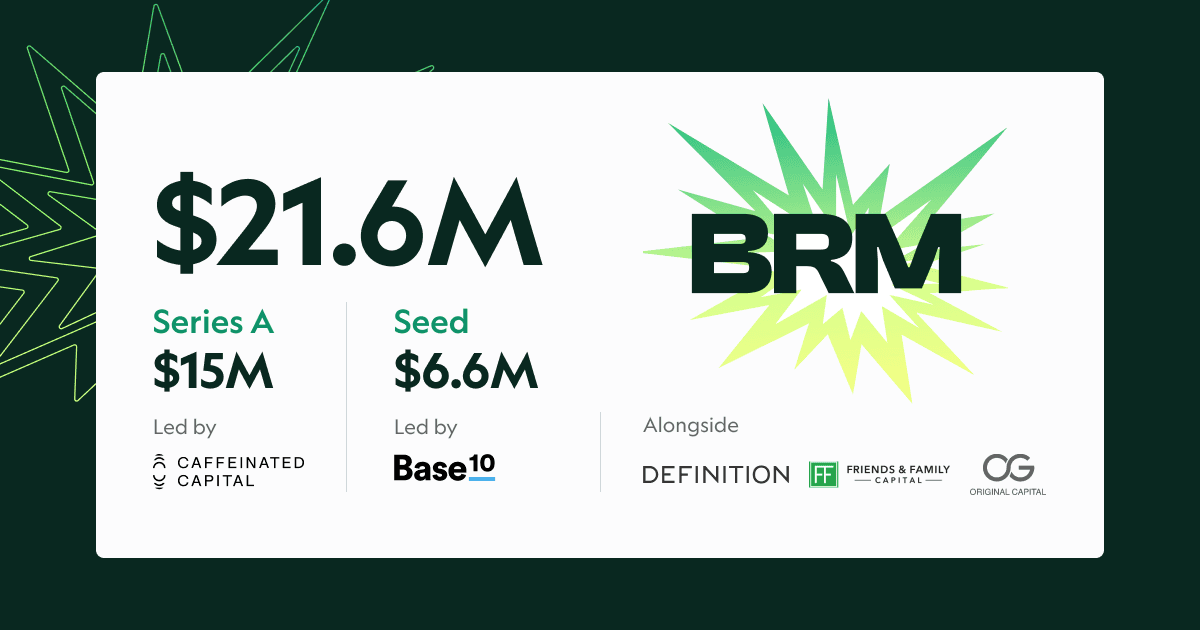
BRM Launches With $21.6M and AI SuperAgents to Help Companies Buy
Buying is broken, but BRM is here to fix it with $21.6M in funding and AI-powered SuperAgents that take on vendors for you, handling everything from contracts to compliance. While everyone else builds AI sales tools, BRM is tackling the painfully ignored buyer's side, already saving thousands of hours for companies like Tegus, Public, and Cadence.
Products
Microsoft 365 Meets BRM: Contract Collector Now Available to All
BRM's Contract Collector is now available for Microsoft 365 users. Now Microsoft 365 users can connect their inbox to BRM's contract finding AI superagents to find every vendor contract, known and unknown, to get a full picture of every vendor and to never miss another renewal.